
Appointments at the push of a button
Your own appointment booking tool incl. calendar
Customize your calendar and make it as easy as possible for your followers to get in touch with you personally.
Ideal addition to your Jomoco-Social Planner
-
Easily integrate your meeting software
-
Create multiple calendars (Whether for different meetings or multiple users)
-
Integratable into your private calendar (Keep track of all your appointments)
-
Save time through automation (All functions can be automated)
-
Compatible with all platforms (Our booking tool can do it all)
JoMoCo Social
your smart booking tool
Link easily
Link your booking page wherever you want. As a link or code. Thanks to the "permanent" function, you can adjust your calendar at any time and your link remains valid.
Integratable
No matter which software solution you want to use for your appointments, in our booking tool you can connect them all.
Create multiple calendars
According to your booked plan in Jomoco-Social, you receive up to 15 accesses. Everyone can create and assign their own meeting link, or multiple team members can use a shared calendar and link.
Deposit availabilities
You decide when appointments can be booked and when not. Thanks to synchronization with your private calendar, appointments can only be booked when you really have time.
Automate
Automatically send your appointment confirmations, reminders, and feedback emails to collect reviews.
PROFESSIONAL APPEARANCE
Professional: Your own appointment booking tool incl. calendar
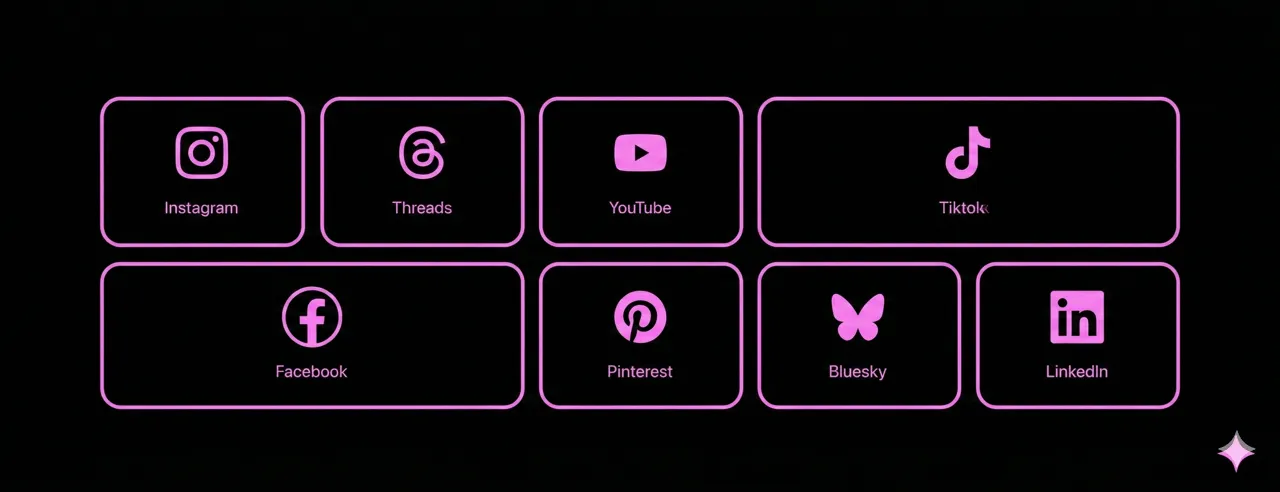
Customize your calendar to suit you or your company and thus achieve a professional and reputable external perception.
Secure calendar nowIntegrate your meeting platform into your calendar
Connect meeting software with just one click. Your conversation partner automatically receives the appointment link from your meeting room in their appointment invitation.
Other partners who already trust us:
SUPPORT
Your questions for us
Find answers to the most frequently asked questions about the Jomoco Social Booking Tool here
What is the appointment booking function in Jomoco Social?
With the appointment booking function, appointments can be booked directly via an online calendar. Available times are displayed automatically and appointments are entered directly.
Can customers book appointments themselves?
Yes. You can share your calendar via link so that customers or prospects can independently book a suitable appointment.
Are automatic confirmations and reminders sent?
Yes. After booking, automatic confirmation emails and reminders are sent so that appointments are reliably kept.
Can I create multiple calendars?
Yes. You can create multiple calendars for different purposes, for example for information calls, consultation appointments, or internal meetings.
Can appointments be rescheduled or canceled?
Yes. Appointments can be easily rescheduled or canceled both by the contact and internally. All participants are informed automatically.
Which meeting tools can be connected?
You can use various meeting types, for example Google Meet, Zoom, Microsoft Teams, telephone appointments, or individual meeting links. The desired meeting type can be defined per calendar.
How many users can use the appointment booking?
Depending on the Jomoco Social plan, up to 15 users can use the appointment booking function. Each user has their own calendar; additionally, shared calendars can also be created for multiple users.
APPOINTMENT BOOKING TOOL INCL. CALENDAR
Make it as easy as possible for your followers to speak directly with you.
- Own calendar
- Own booking link
- Own booking page
- Connect your meeting software
- Team functions
- Multiple users possible
- Ideal also for larger teams
Do you have questions about functions or prices?
Most answers can be found in our FAQs
Frequently Asked Questions